How to run your first bingo night in under 5 minutes
- Hosting Guides
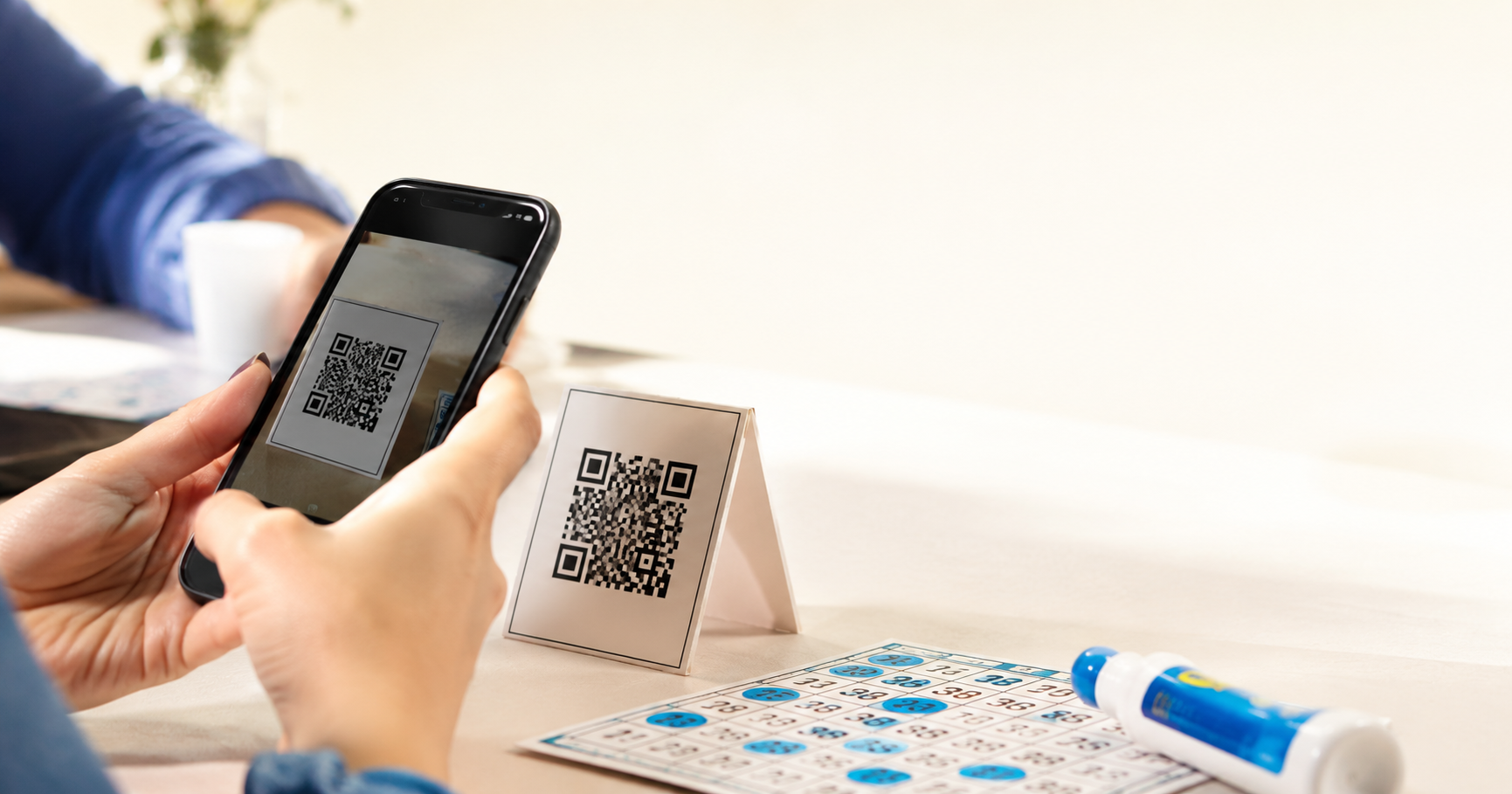
You've been asked to run bingo. Maybe at a charity night. Maybe a family reunion. Maybe your kid's classroom party. Whatever the reason: here's the fastest path from "I have no idea what I'm doing" to calling B-7 to a room full of people.
1. Sign up (30 seconds)
Head to app.dauberhq.com/register. Email, password, you're in. No credit card to get started.
2. Create a session (15 seconds)
Start a new session from your dashboard. Give it a name — something your players will recognize, like "Friday Night at St. Mary's" or "Aunt Linda's Birthday Bingo." Pick 75-ball mode (the classic American format). Decide your winning pattern for the first game too — "Full house" is the most familiar; "Single line" is faster if you want to run a lot of games. On the free plan you announce the pattern yourself, the traditional way; Plus puts it live on the board for you.
3. Share the join link (1 minute)
You'll see a QR code and a join link, something like `daub.to/pXXXXXX`.
- Project the QR. Throw it on a TV or projector. It's built into the game screens.
- Share the link. Drop it in the group chat. Players tap, board opens. Also available to copy from the main caller screen.
Want the called-numbers board itself up on a TV for the whole room to see, instead of just a QR code to scan? There's a separate room-display link for that — something like `daub.to/rXXXXXX` — made to open on a second screen. Same as the caller view, just without all the number calling controls.
That's it. No app downloads. Players are now watching a live called-numbers board on their own phones, waiting for you to call. They still play with their own bingo cards — the board just shows them every number as it's called, so nobody's stuck straining to hear you from the back row.
4. Call your first number (2 seconds)
Draw a number and every player's board updates instantly. Call it out — "B-7" — and watch them mark.
Or, if you've got a real bingo cage or blower on the table (which is honestly more fun), switch to manual mode and just type the number you drew. The whole "no cage required" thing is a feature, not a mandate.
5. Repeat until someone wins (variable)
Keep calling. When someone yells "BINGO," check their board against your call history — it's right there on your caller screen. Confirm the win, end the game, and either start another or wrap it up.
Total time elapsed: less than four minutes from signing up to first call. Add a minute if you stop to make a sandwich.
What you don't need
- A subscription. The free plan is forever.
- Hours to get setup. Show the game on whatever screen or projector you already have available
- The thing where you write numbers on a whiteboard. We do that part.
- Worry someone can't see the call. Viewing on their devices gives them a front row view of the board no matter where they sit.
Now go run a bingo night.
Want the longer version — patterns, pacing, prizes, handling a disputed call? The complete guide to running a bingo night covers all of it.
Related posts
How to Start a Weekly Bingo Night at Your VFW, Legion, Elks or Moose Lodge
A practical guide to weekly bingo at your VFW post, American Legion, or lodge: supplies, volunteers, calling the numbers, and a display the whole hall can read.
- Hosting Guides
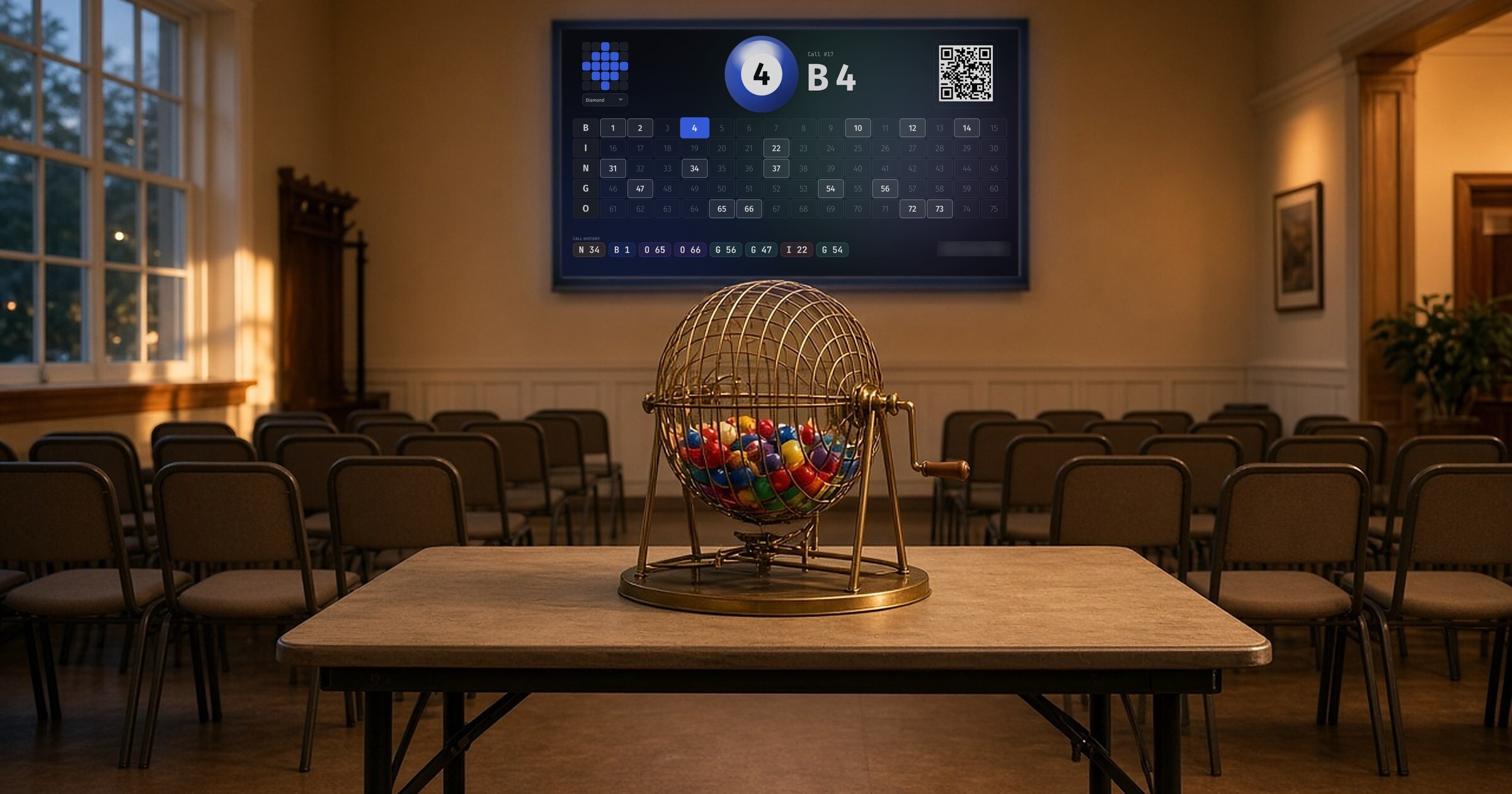
Cage or Screen? How to Run Charity Bingo With a Ball Cage and a Digital Board
Running charity bingo with a ball cage? See how to pair your cage or blower with a digital board so every player can follow each call, and what state rules say.
- Hosting Guides
Classroom Bingo Games: A Teacher's Guide to Review That Doesn't Feel Like Review
Turn review day into a game your class actually wants to play — classroom bingo formats, free tools, and how to wire it to any subject.
- Use Cases