What to Look for in a Bingo Caller
- Tools & Comparisons
If you've searched "free online bingo caller" recently, you already know what the results look like: a mix of browser tabs that look like they were designed in 2003, subscription tools that offer a "free trial" in the loosest possible sense of the word, and a few genuinely useful tools buried somewhere in the middle.
This post covers what's actually available, what each tool is genuinely good at, and where each one falls short. Including ours — because a comparison post that only flatters itself isn't useful to anyone.
What to Look for in a Bingo Caller
Before the rundown, it's worth naming what actually matters when you're evaluating one of these tools. The answer depends heavily on what kind of host you are.
If you're running a small gathering — family game night, classroom, a group under 20 people — almost any caller will do. You need something that draws random numbers, displays them clearly, and doesn't crash. The bar is low.
If you're running a community event — a church fundraiser, VFW post bingo night, retirement home game, charity event, bar bingo — a few things start to matter more:
- Does every player in the room know what was just called? In a large space, one shared display is often not enough. Back rows miss calls, disputes happen, and the night gets choppy.
- Does the software look presentable on a projector? You're in front of a crowd. The interface says something about the event you're putting on.
- Is it actually free, or is "free" doing heavy lifting here? A lot of tools offer a free tier that's limited enough to be useless for a real event.
- Does it cover the whole game, or just the caller side? Some tools call numbers well but leave players with no way to follow along beyond physically watching the main screen.
With that framework in mind, here's what's out there.
Let's Play Bingo (letsplaybingo.io)
Best for: Hosts who need a simple, functional caller and have a good display setup in their room.
Let's Play Bingo is probably the most widely used free bingo caller on the internet, and the reason is simple: it works, it's free, and it doesn't get in the way. Open the site, hit start, and it calls 75-ball bingo from a clean display. The called-number board is readable. There's no setup, no account, nothing to configure.
What it doesn't do is show the calls on each player's own device. Its free Play Along page (letsplaybingo.io/play) lets a player generate digital cards and mark them on their own screen, but the page doesn't show called numbers. For calling, it's one display, presumably on a TV or projector, that everyone in the room shares.
The free caller has no call log export and no multi-game session management, which matters if you're running a structured night with multiple rounds. That's what Let's Play Bingo Pro is for. It launched October 4, 2026, at $14/month or $135/year, and its session planner lets you set each game's pattern, prize, and rules ahead of time, then save the session and reuse it.
Summary: Genuinely good at what it does. The free caller is the right choice if you have a clear, shared display and a simple night. Pro adds the session planner for multi-game nights. Falls short for large rooms or hosts who need every call on players' own screens.
Bingo Maker (bingomaker.com)
Best for: Custom-content bingo — vocabulary games, icebreakers, education, corporate events.
Bingo Maker is built for a different kind of bingo than the one this article is mostly about. Instead of 75-ball numbered bingo, it creates cards with custom words, images, or phrases — useful for classroom vocabulary games, trivia nights, team-building events, and similar uses where the "bingo" format is a game mechanic rather than a traditional bingo draw.
For traditional numbered 75-ball bingo — the kind that runs at a VFW post, a church basement, or a charity fundraiser — it's not really the right tool. The free tier is also heavily limited (one game per day, 25 players), which makes it impractical for any real event without a paid plan.
Summary: Strong in its niche. Not built for traditional community bingo. The free tier is too restricted to be genuinely useful at scale.
MyBingoHost (mybingohost.net)
Best for: Hosts who want a feature-complete calling solution and are willing to pay for it.
MyBingoHost is one of the more fully-featured tools in the market — it handles calling, display, and player verification in ways that most free tools don't. It has a Windows desktop application, which is either a feature or a liability depending on what you're running. If you're on a Mac, an iPad, or Chromebook, you're limited to the browser version.
The UI looks like it was designed around early 2000s and hasn't changed much since. That's a subjective criticism, but it matters if you're putting it on a projector at an event where how things look reflects on your organization.
It's not free. The pricing requires a subscription, which makes sense if you're running bingo professionally and the tool pays for itself — less so if you're a volunteer running quarterly fundraisers and trying to keep overhead at zero.
Summary: More capable than most free tools. Worth considering for operators running bingo as a serious business. Not the right fit for community hosts or volunteers who need free and modern.
BingoBaker (bingobaker.com)
Best for: Generating and printing custom bingo cards.
BingoBaker's core strength is creating printable bingo cards — custom grids with whatever content you want. It's very good at that. If you need 50 physical cards with vocabulary words or custom phrases, this is a reasonable place to start.
As a caller for live events, it's more limited. The tool is primarily oriented toward card generation and casual web-based play, not structured community events. Traditional numbered 75-ball bingo with session management, call history, and multi-round play isn't what it was built for.
Summary: Useful if your primary need is generating and printing custom cards. Not a strong fit for running a live traditional bingo event.
myfreebingocards.com
Best for: Small, casual groups who want printable cards at no cost.
Similar to BingoBaker in purpose — the core offering is generating and printing bingo cards. The free tier supports up to 30 players; beyond that, pricing starts at $10 and scales up per card. The caller functionality is basic.
For a small family game night or a very simple classroom setup, it works. For a community event with dozens or hundreds of players, the costs scale quickly and the functionality doesn't keep up.
Summary: A reasonable option for very small, casual use. Not designed for the scale or structure of a real community bingo event.
Dauber HQ (dauberhq.com)
Best for: Community hosts running live bingo events — fundraisers, VFW posts, churches, bingo halls, bars, retirement homes, schools.
We'll be direct: this is our product, and you should weigh what we say accordingly. But we're going to describe it accurately and let you decide.
Dauber HQ is a browser-based bingo caller built for traditional 75-ball and 60-ball bingo. You call from a laptop, tablet, or phone — any device with a browser. There are two separate host displays: the host's caller interface, which shows the full board and controls, and a second display screen — a link the app gives you (something like `daub.to/rXXXXXX`), made to open on any TV in the room — which shows called numbers large enough for the back row to read but without all the game controls.
The feature that separates Dauber HQ from most other tools in this list is the player viewer. Anyone in the room can scan a QR code or open a link and pull up the called-numbers display on their own device — phone, tablet, Chromebook, whatever they brought. Every call updates on their screen in real time. They still use their own physical bingo cards to play; the viewer shows them what's been called so they never have to ask "what number was that?" or strain to see the main board. In a large room, this changes how the night feels — players stay engaged, disputes drop, and the host can actually run the game instead of shouting over the room.
A few things worth being honest about:
Dauber HQ is newer than most of the tools in this list. The pattern library and program features are solid but will grow. Both live on Plus — free tier hosts run a full 60- or 75-ball game and call the win aloud, the traditional way. The free tier is also capped at 10 viewer screens — enough for small groups, not for a large event.
What the free tier includes: 75-ball and 60-ball modes, one live session at a time, up to 10 player viewers, auto and manual calling, QR code and viewer link, the display screen, called-number log.
What Plus adds: Unlimited viewers (no per-player fees, ever), multiple simultaneous sessions, pre-save sessions with reserved QR code and link, and the rest of the pattern and program tools. Plus is $15/month or $120/year. The exact free-vs-Plus split can shift as the product grows — the current, canonical breakdown always lives on the features page.
There's also a mission thread worth mentioning: Dauber HQ was built because its founder spent over a decade running bingo fundraisers for Royal Family Kids, a non-profit serving kids in the foster care system. 10% of Dauber HQ's profit goes back to that organization. That's not a marketing line — it's the reason the product exists.
Summary: Strongest fit for community bingo hosts who need both a modern calling interface and a way for every player in the room to follow along on their own screen. Free tier is real (not a trial). Plus is designed for operators and regular-event hosts who need unlimited viewers and the full feature set.
Side-by-Side Comparison
| Let's Play Bingo | Bingo Maker | MyBingoHost | Dauber HQ | |
|---|---|---|---|---|
| Traditional 75-ball | ✅ | ✅ | ✅ | ✅ |
| 60-ball mode | ❌ | ❌ | ✅ | ✅ |
| Per-player viewer on phone | ❌ | Partial (Premium cards mark as numbers are drawn) | ✅(Players log in) | ✅ |
| Display screen for TV | ✅ (cast the caller) | Limited (one free 25-player session a day) | ✅ (Windows app) | ✅ |
| Genuinely free tier | ✅ | Limited | ❌ | ✅ (10 screens) |
| No per-player fees | ✅ | — | — | ✅ |
| Multi-game session | ✅ (Pro) | ✅ (restart with new patterns) | ✅ | ✅ (Plus) |
| Call log export | ❌ | ❌ | ✅ | ✅ (Plus) |
| Modern UI | Functional | Functional | Very Dated | ✅ |
| No ads on display | ✅ | ❌ | ✅ | ✅ |
Which One Should You Use?
Use Let's Play Bingo if: Your whole room can comfortably see one shared display. The free caller is solid and simple. The trade-off is that players don't get the calls on their own devices, so it fits small rooms best. If you want the whole night planned ahead, Let's Play Bingo Pro adds a session planner.
Use Bingo Maker if: You're running classroom bingo, team-building games, or any event where the content on the cards is custom rather than traditional numbers.
Use MyBingoHost if: You're running bingo as a professional operation, you need advanced verification features, and you're on a Windows machine where the desktop app makes sense for your workflow.
Use Dauber HQ if: You're running a community event — a fundraiser, a VFW night, a church bingo, a bar game, a retirement home activity — and you want a modern calling interface plus a way for players anywhere in the room to follow called numbers on their own screen. Especially if you've outgrown the "everyone stares at one TV" setup, or if you've run events where back-row complaints were a regular feature of the night.
Dauber HQ's free tier is a real product. No countdown, no stripped-down demo. Free forever. If you want to try it before committing to anything, here's the whole setup: sign up, start a session, show the QR code, call. Full plan details live on pricing and the features page.
→ Start calling free at app.dauberhq.com →
Running a specific type of bingo event — fundraiser, classroom, bar, retirement home — and want more tailored advice? We've got guides for those too. How to run a church or charity bingo fundraiser → | Complete guide to running a bingo night →
Related posts
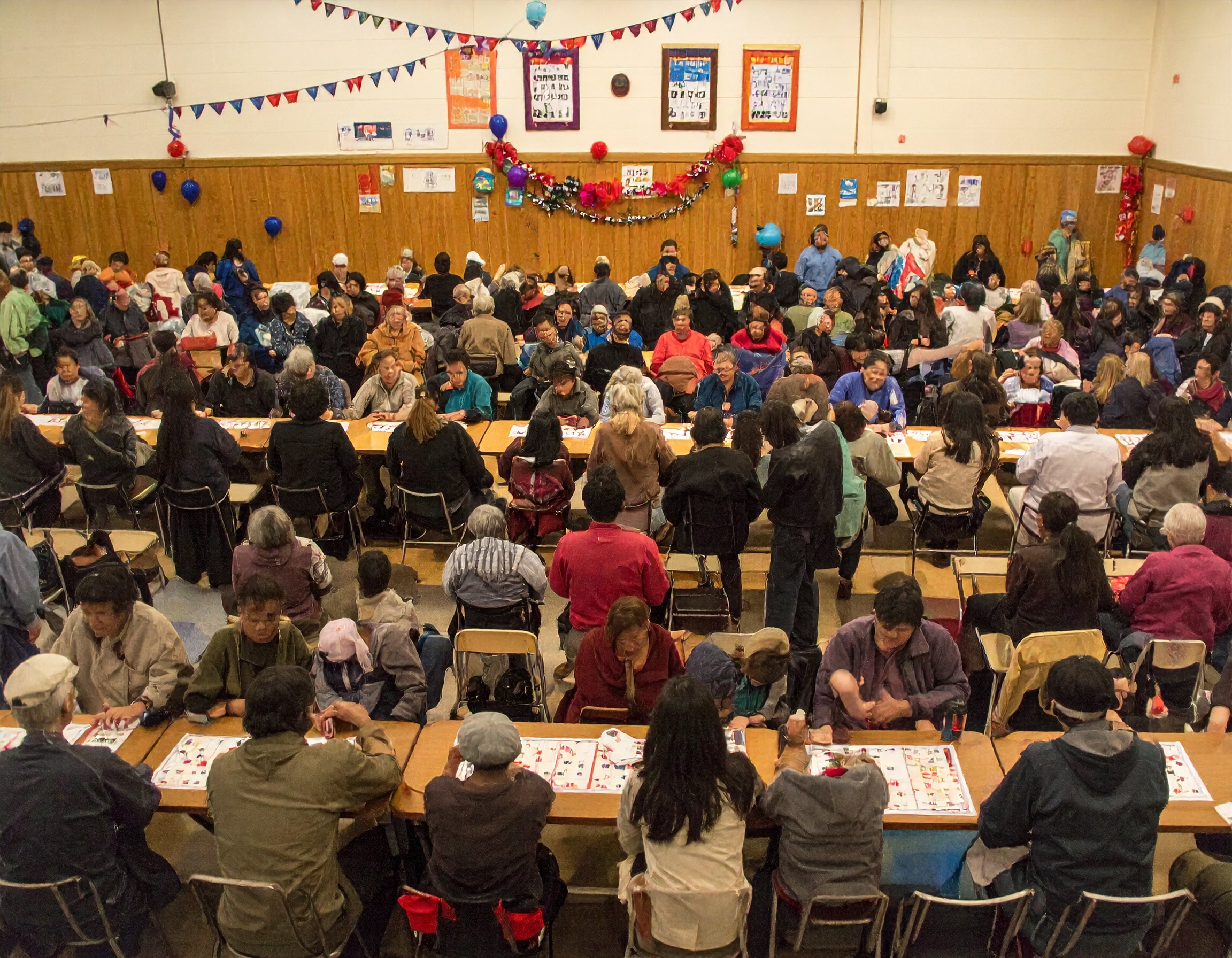
How to Run a Bingo Night: The Complete Guide for Community Hosts
Everything you need to run a bingo night — from setup and equipment to calling numbers and managing patterns. Free guide for community hosts.
- Hosting Guides

Classroom Bingo Games: A Teacher's Guide to Review That Doesn't Feel Like Review
Turn review day into a game your class actually wants to play — classroom bingo formats, free tools, and how to wire it to any subject.
- Use Cases
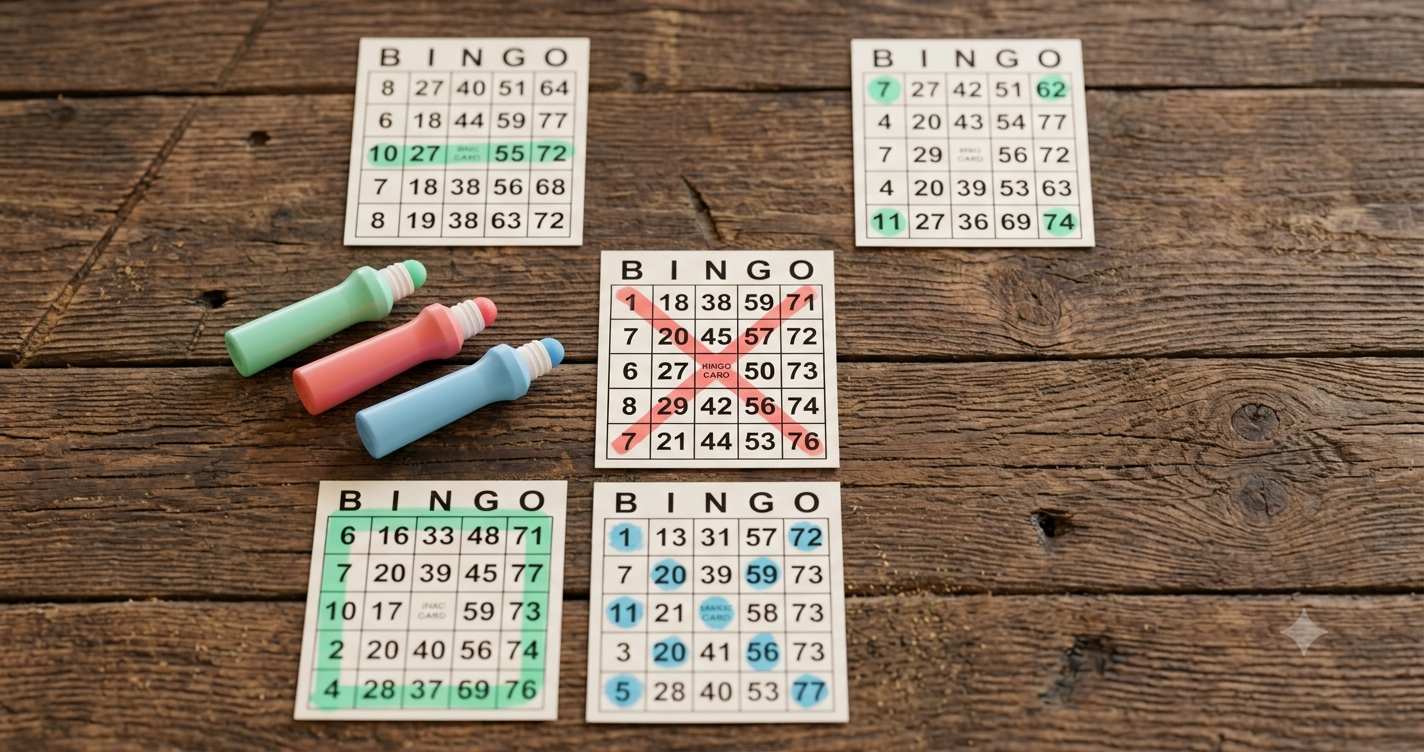
Bingo Patterns Explained: From Classic Lines to Shapes, Letters, and Blackout
A host's guide to bingo patterns — lines, corners, shapes, letters, and blackout — with how to pick, announce, and verify the right ones for your crowd.
- Games & Patterns